Affiliate links on Android Authority may earn us a commission.Learn more.
USB OTG: Everything you need to know
August 18, 2025
Gadget makers are trying to move towards a semblance of universal compatibility withUSB-C. However, there’s still a mess ofUSB cablesto deal with for now. Not every device works with another, even if it has the right ports. USB OTG, or USB On-the-go, is one feature that helps make our smartphones even more capable. Here’s everything you need to know!
What is USB OTG?
USB OTG is a specification for devices like smartphones and tablets. A compatible phone can act as a “host” and lets you use it with other USB devices like flash drives, keyboards, mice, and more. A USB OTG adapter is basically a microUSB or USB-C cable that runs to a female USB port and lets you plug a slew of peripherals into your phone or tablet.
Does my smartphone support USB OTG?
Most current Android smartphones support USB OTG. If you aren’t sure, download theUSB OTG Checkerapp and run it. The simple and easy-to-use application will instantly tell you whether your device is compatible with this feature.
A few peripherals, like flash drives, come with a USB-C end and can be plugged into a phone or tablet directly. However, more often than not, you will need a USB OTG cable or adapter. There are plenty of options to consider, but we recommend theAmazon Basics USB OTG cableor theAnker USB-C adapter.

What can USB OTG be used for?
External storage
USB OTG lets you quickly and easily transfer files, photos, and other information from a smartphone or tablet to a flash drive. Nowadays, there are plenty of USB-C flash drives that can plug into a phone’s charging port directly, like these great options fromSandiskandSilicon Power. If you have a regular flash drive already, however, a USB OTG adapter is all you need.
See also:The best USB flash drives you may get

Of course, flash drives aren’t your only option for expandable storage. Even if your phone doesn’t come with a microSD card slot, you can plug an SD card reader into the phone. This is also a great way to move files from a digital camera to a phone for editing on the go. Anker has both astandard SD card readerand aUSB-C variantthat can be plugged directly into the phone. Don’t forget to check out our roundup of thebest microSD cardsyou can get as well!
Gaming controllers
Current Android phones are compatible with variousBluetooth gaming controllers, including the excellentXbox One wireless controller. If your phone supports USB OTG, however, you may use wired options like the always reliableXbox 360 controller. Of course, the games you play need to have controller support as well.
USB microphones
If you’re looking to capture high-quality audio recordings on your phone, a good USB mic will do the trick. With the right adapter, options like theBlue Yeti Xand the ultra-portableSamson Goare great mics to pick. However, something to keep in mind is that the mic may not work on a system level, and you might need to download anaudio recording appfrom the Google Play Store.
Keyboards and mice
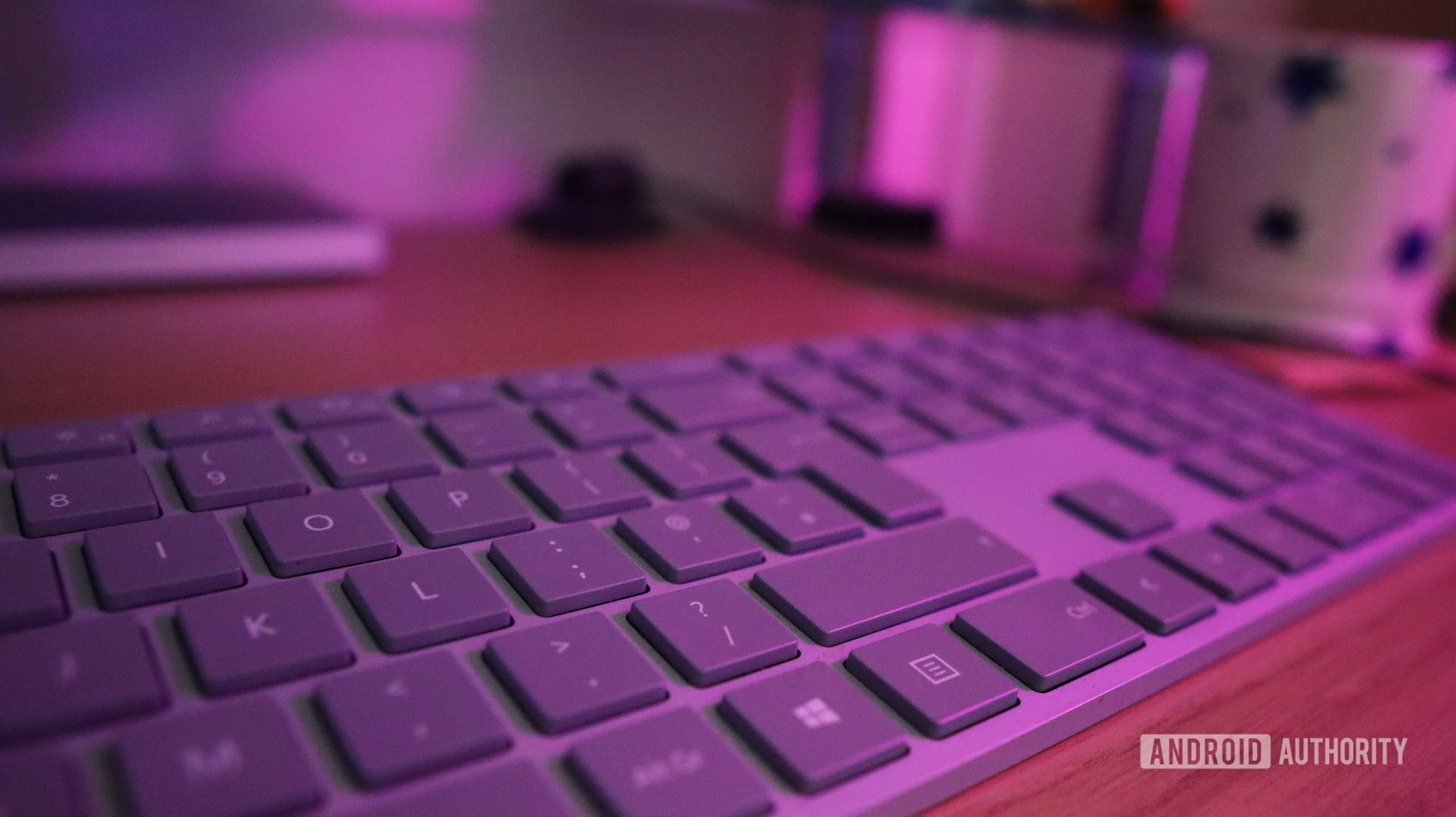
Apart fromBluetooth keyboards and mice, you may use wired options or devices that require a wireless receiver with your smartphone or tablet because of USB OTG. You’ll find our recommendations in our comprehensive roundup of thebest keyboardsyou can get.
Thank you for being part of our community. Read ourComment Policybefore posting.